
How to Search Delaware County Court Records
Two official portals cover Delaware County court records. The county runs Delaware County Public Access for local court data. The state runs the Pennsylvania UJS Web Portal, which holds Common Pleas docket sheets, Magisterial District Judge cases, and statewide case search. Start local, then check the state portal for the official docket sheet. Both are free to search, and both let you confirm a case without leaving home.
Have your details ready first. A docket number gives the cleanest hit. A name works, but you may need a birth year or filing date to cut down a long list.
- Open the statewide case search and pick a court type, either Common Pleas or Magisterial District Judge.
- Select Delaware as the county so the results stay local.
- Enter the docket number if you have it, or type a last name and first name.
- Add a filing date range to narrow common names.
- Open the docket sheet, read the entries in order, and request a certified copy from the clerk if you need one for court.
The Pennsylvania case search is the fastest way to confirm a docket number across courts.
You can run a name or docket search on the Pennsylvania UJS case search, the statewide portal for court records.
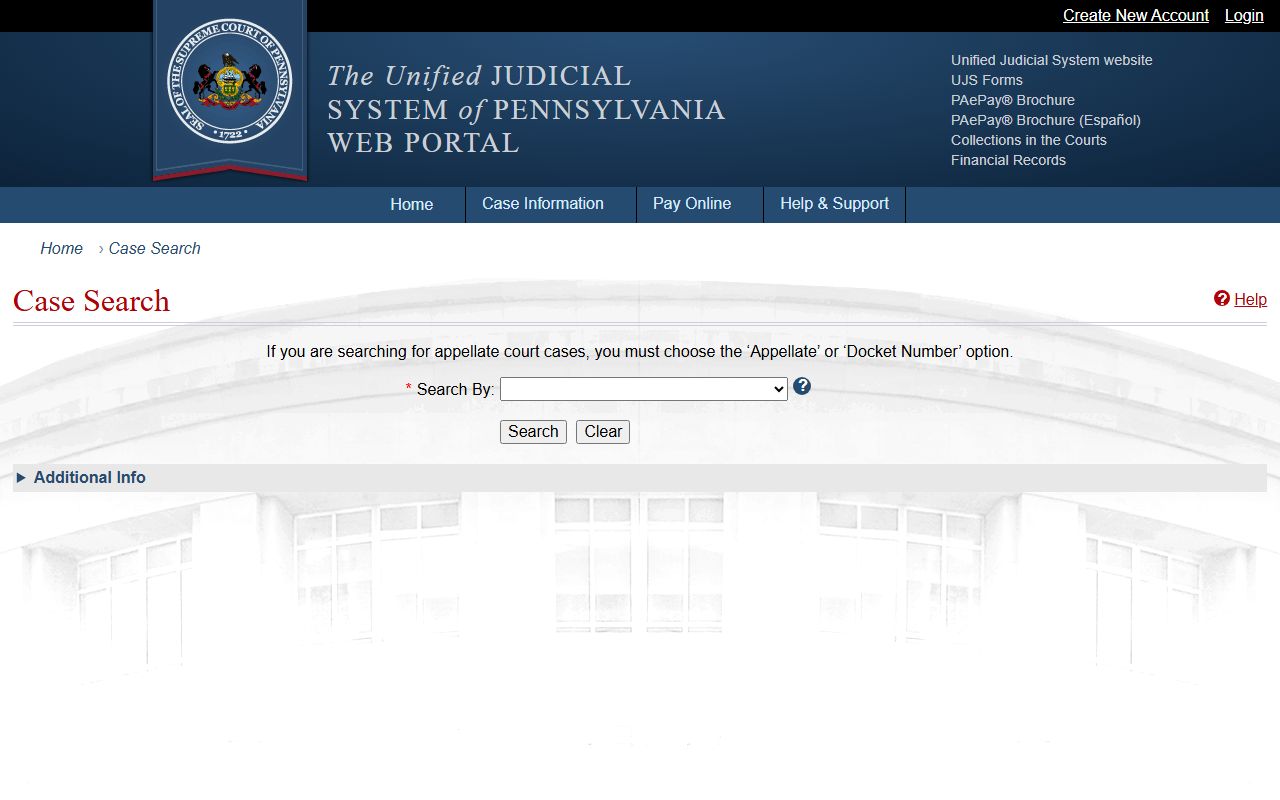
From the results, you open a docket sheet that shows the court, the parties, and every filing in the case.
Delaware County Court Records Search Fields
The portal asks for a handful of fields. You will not use all of them at once. The court type and county fields keep the search inside Delaware County. The docket number field is the most precise. Name and date fields help when you do not have a case number.
| Field Label | Type | Required | Notes / Format |
|---|---|---|---|
| Court Type | Dropdown | Yes | Common Pleas, Magisterial District Judge, or appellate. |
| County | Dropdown | For county searches | Select Delaware. |
| Docket Number | Text | No | Criminal Common Pleas reads CP-23-CR-0000000-YYYY. |
| Participant Name | Text | No | Last name and first name, or combined participant search. |
| Date Filed | Date range | No | MM/DD/YYYY to trim large result sets. |
| Case Category | Dropdown | No | Criminal, civil, family, traffic, landlord-tenant. |
On the county's own portal, a quick search treats your text as a case number with a "starts with" match. Use a JavaScript-enabled browser, since the county app will not load without it.
Types of Delaware County Court Records
Delaware County court records cover several case types, and each comes from a specific court. The Court of Common Pleas produces the heavier civil and criminal files. The Magisterial District Courts produce the local, high-volume records. The Register of Wills keeps estate files. Access rules shift from one type to the next.
These are the main record types you can search.
- Civil records, such as lawsuits, judgments, liens, and arbitration awards.
- Criminal records, including Common Pleas dockets and Magisterial preliminary matters.
- Family records, such as divorce, custody, support, and protection from abuse filings.
- Traffic and summary records from the Magisterial District Courts.
- Landlord-tenant and small civil claims, also at the district level.
For estates and wills, the Orphans' Court and probate records page covers the Register of Wills. For citations, see traffic court records.
Public access also depends on the case type. Civil judgments and liens are often open for lender and lien searches. Criminal dockets are open once a case moves past the preliminary stage. Family files exist on the docket, yet many parts stay sealed because they carry financial, custody, or abuse details. Juvenile records are not open the way adult records are.
What Delaware County Court Records Show
Open a Common Pleas docket sheet and you see the same fields each time. The docket number identifies the case. The caption names the parties. Docket entries list every filing, motion, order, and hearing in date order. Criminal cases add charge and sentence data; civil cases add judgment and financial data. The fields below appear on most Delaware County dockets.
| Field | What It Shows |
|---|---|
| Docket Number | Case ID; criminal cases use CP-23-CR with the year. |
| Caption / Parties | Commonwealth versus defendant, or plaintiff versus defendant. |
| Filing Date | When the case opened. |
| Judge | The assigned judge or magisterial district judge. |
| Charges or Cause | Statute, grade, and offense, or the civil claim. |
| Disposition | Outcome, such as guilty, dismissed, withdrawn, or settled. |
| Financials | Fines, costs, restitution, bail, judgment, and balance. |
| Docket Entries | Complaint, motions, orders, continuances, and sentencing. |
A docket entry confirms an event happened. The actual pleading or order may stay with the clerk, so a sheet is not always the full file.
Public Access Framework for Delaware County Court Records
Court records in Pennsylvania follow judiciary access rules, not the Right-to-Know Law that covers county agency records. The state judiciary sets a Case Records Public Access Policy that tells filers to protect confidential data and tells courts what may go online. Some records open at the counter but not on the web.
Anyone can view most docket sheets without giving a reason. Certified copies cost a fee and come from the clerk. The court redacts Social Security numbers, full birth dates, and protected addresses before a record goes public.
The state publishes its court access rules in one place.
The Pennsylvania courts public records policies explain how case records and administrative records are handled.
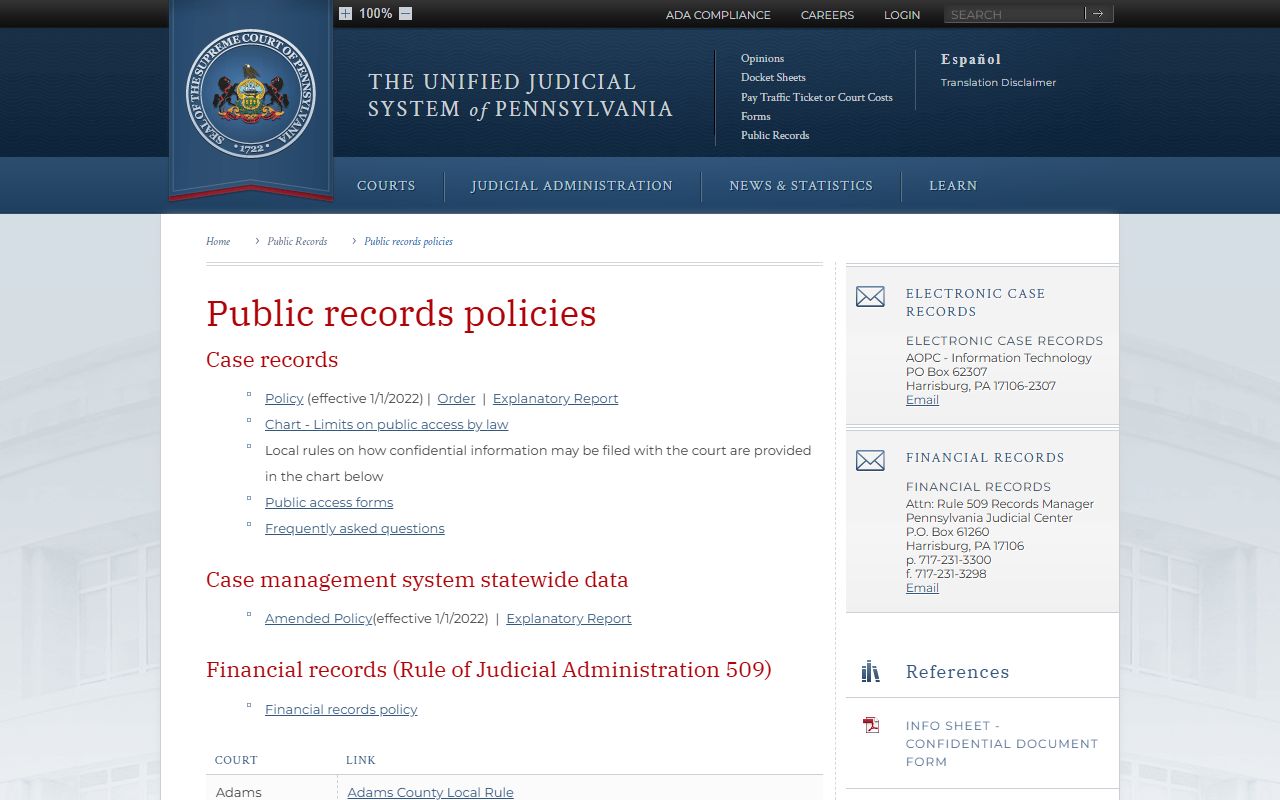
That policy is the reason a docket sheet may appear online while the underlying document does not.
Note: Court case records and county agency records follow different access rules, so the route you use depends on the kind of record you want.
Records That Are Sealed or Confidential in Delaware County
Pennsylvania closes several record types. Juvenile delinquency and dependency files are limited to parties, counsel, and approved agencies. Adoption records are confidential. Expunged and limited-access records leave ordinary public view after a court order. Mental health proceedings, grand jury materials, and sealed warrants stay closed. Even open files hide account numbers and the addresses of protected parties.
To view a sealed record, you usually file a petition in the court that handled the case. You list the docket numbers, give the legal basis, serve the agencies, and ask the judge to allow access. The statewide UJS homepage links to docket sheets and court calendars where public entries appear. See the Unified Judicial System of Pennsylvania for the statewide court network, and the arrest records page for how expungement works.
The statewide site is the gateway to docket sheets when a county file is not posted on the local portal.
In-Person Court Record Requests
When a record is not online, you can request it from the clerk. The Office of Judicial Support is the main court records office for Common Pleas cases in Delaware County. Bring the docket number, a photo ID, and a payment method for copy fees. Call ahead to confirm counter hours, since each office sets its own schedule.
Office of Judicial Support
100 W. Front St.
Media, PA 19063
610-565-6990
Call to confirm counter hours
For certified copies and records the clerk handles directly, the Office of Judicial Support page covers requests in full.
Common Delaware County Court Records Terms
Court paperwork uses words that have an exact legal meaning. A few come up on almost every Delaware County docket. Learning them helps you read a record without guessing. The list below covers the terms you are most likely to meet on a civil or criminal sheet.
- Plaintiff
- The party who starts a civil lawsuit.
- Defendant
- The party sued in a civil case or accused in a criminal case.
- Disposition
- The current or final outcome of a charge or case.
- Lien
- A claim against property used to secure payment of a debt.
- Praecipe
- A filing that directs the clerk to take an action.
- Continuance
- A postponement of a hearing or trial date.
When a docket entry uses a term you do not know, the clerk can explain the procedure, though staff cannot give legal advice. A quick read of these terms also helps when you call the office, since you can name the exact filing you want rather than describe it. That saves time at the counter and on the phone, and it makes a copy request far easier to fill.